Changelog #2026-05-18

Another big week for changes on the Karia Platform this week
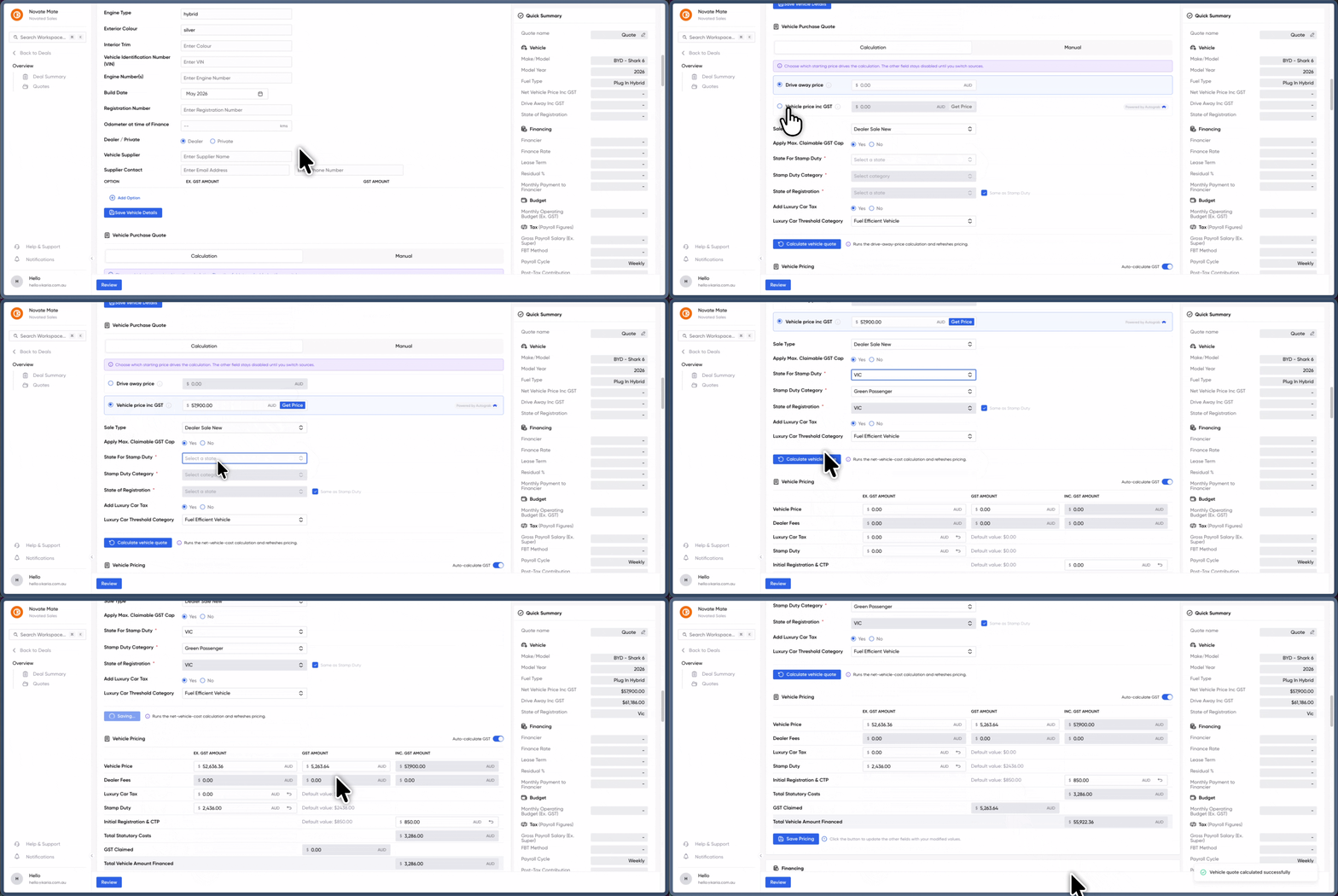
Vehicle Pricing your way just got a whole lot easier 🏷️
We know that every dealership has its own rhythm. Some of you like to start with the bottom-line Drive Away price, while others prefer to build up from the Net Vehicle Price. Until now, switching between the two often meant reaching for a calculator or an external spreadsheet.
We’ve ditched the manual math. You can now toggle between pricing methods directly within the Sales & Origination tool, letting you quote exactly how you work.
What’s new in the Vehicle Pricing section:
-
Calculation Mode: Choose between "Drive Away Price" or "Net Vehicle Price" as your starting point. The tool will automatically handle the conversions for you.
-
Manual Mode: Need total control? Switch to manual mode to override calculations and enter your specific figures instantly.
-
Streamlined Workflow: No more jumping between tabs or tools—everything stays inside your quote.
This update is all about saving you those extra few minutes on every deal so you can focus on your customers instead of your calculator. Give it a spin on your next quote!
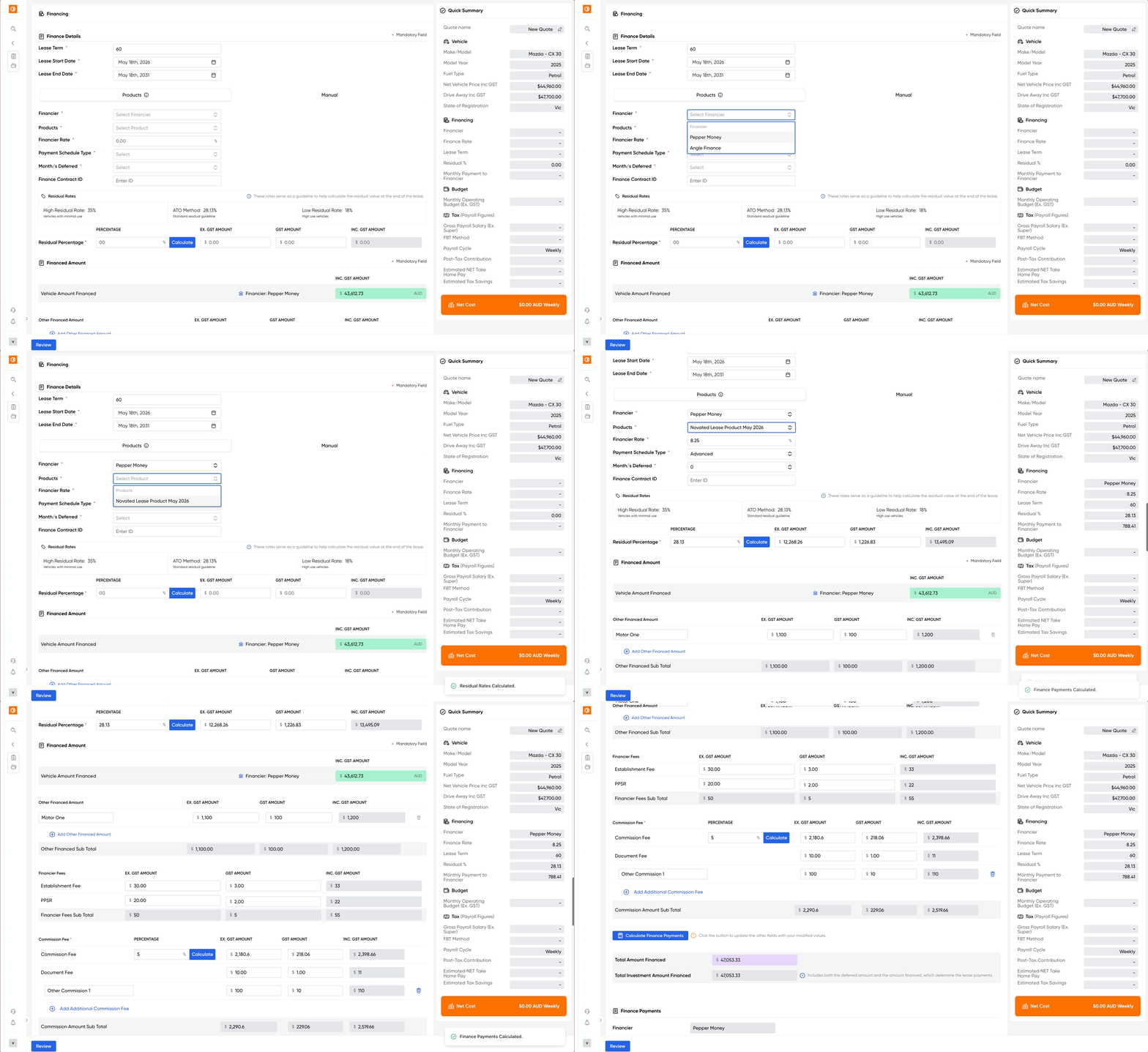
Finance Products just got a whole lot smarter 💸
We know that manual data entry is the enemy of a productive afternoon. That’s why we’ve updated Finance Products to handle the heavy lifting for you.
Instead of typing the same values over and over, you can now create presets for your most-used financiers. This update is all about speed and accuracy, allowing you to breeze through quotes without the repetitive manual entry.
What’s new in your Quoting Tool:
-
Presets for speed: Set up your preferred Finance Providers and create specific Finance Products under each. You can pre-fill commonly used values so they’re ready when you are.
-
New "Products Mode": The Finance Details section now features a toggle. Just select your financier and a preset product, and watch the fields auto-populate instantly.
-
Unlimited flexibility: Create as many products as you need to cover every scenario, ensuring you always have the right data at your fingertips.
-
Manual Mode is still here: If you need to handle a unique case, you can switch back to the original manual flow at any time—no changes to your existing process.
Ready to save some time? Head over to your settings to start building your Finance Product library and get back to closing deals faster!